
iPhone portraits: leave room in the direction of the gaze
A person looks out of a café window. You can show mostly the space behind their head, or leave room on the side they are looking towards. Both photographs record the same person, but they arrange that small moment differently. This exercise explores the choice with two frames, keeping the pose and camera settings as similar as possible. You do not need Portrait mode or a special lens to try it.
Notice the direction before moving the camera
Ask your subject to settle into a comfortable position and look at something nearby. A window, a book or another person can give the gaze a simple purpose. Avoid asking for an awkward neck position just to create a profile. You want enough time to examine the frame while the person remains at ease.
Look at the direction of the face and eyes on your screen. If the person looks to the right, identify the gap between the face and the right edge. Also notice the space behind the head. You are comparing the distribution of those spaces, not measuring an exact number of pixels. If the person looks straight at the lens, this left-versus-right exercise may be less useful.
Use space as a starting point, not a requirement
Nikon’s composition guidance suggests leaving open space in the direction a subject faces. It also treats composition guidelines as a starting point with exceptions. Use that idea to make a second version, rather than assuming that every portrait needs the same arrangement.
For this exercise, imagine that the empty part of the picture belongs to the person’s attention. It might contain the window they are watching, or simply a quiet area that gives the gaze somewhere to lead. That is an interpretation to test in your own photograph. It does not require including the actual object being looked at.
Make frame A with your usual placement
Take the first photograph without trying to solve everything. Keep a comfortable distance and choose a framing that includes the head and shoulders. Notice roughly how much of the screen the face occupies. This is your reference for the next frame.
Ask the person to hold the direction of their gaze for a moment. Leave the zoom, phone orientation and your standing position unchanged. If their expression changes or they turn towards you, simply make a fresh pair; there is no need to force a still pose for a long time.
Recompose frame B to give the gaze more room
From the same position, change where the phone points so the person sits a little farther from the edge they are facing. For someone looking right, try placing the head farther left within the picture. Keep the face approximately the same size and avoid turning this into a wider photograph of the whole room.
Check the top and bottom as well as the sides. If the adjustment has cut off the top of the hair or included something you did not want, refine the framing before taking the second photo. Change only as much as is needed to make the two arrangements visibly different. No precise ratio of empty space is required.
Compare the relationship, not just the empty area
View A and B at the same display size. First ask whether the expression and gaze still carry the moment you wanted. Then compare the gap in front of the face. Does the added room help you follow the person’s attention, or does it introduce an area that feels unrelated? Choose the version that answers your original intention.
Name one observation you can use next time: “the window now belongs to the portrait” or “the tighter version keeps my attention on the expression.” Do not choose B just because it was the adjusted version. A close crop or a gaze towards the edge may be the picture you prefer. The useful outcome is understanding your choice.
Keep the habit for your next Take
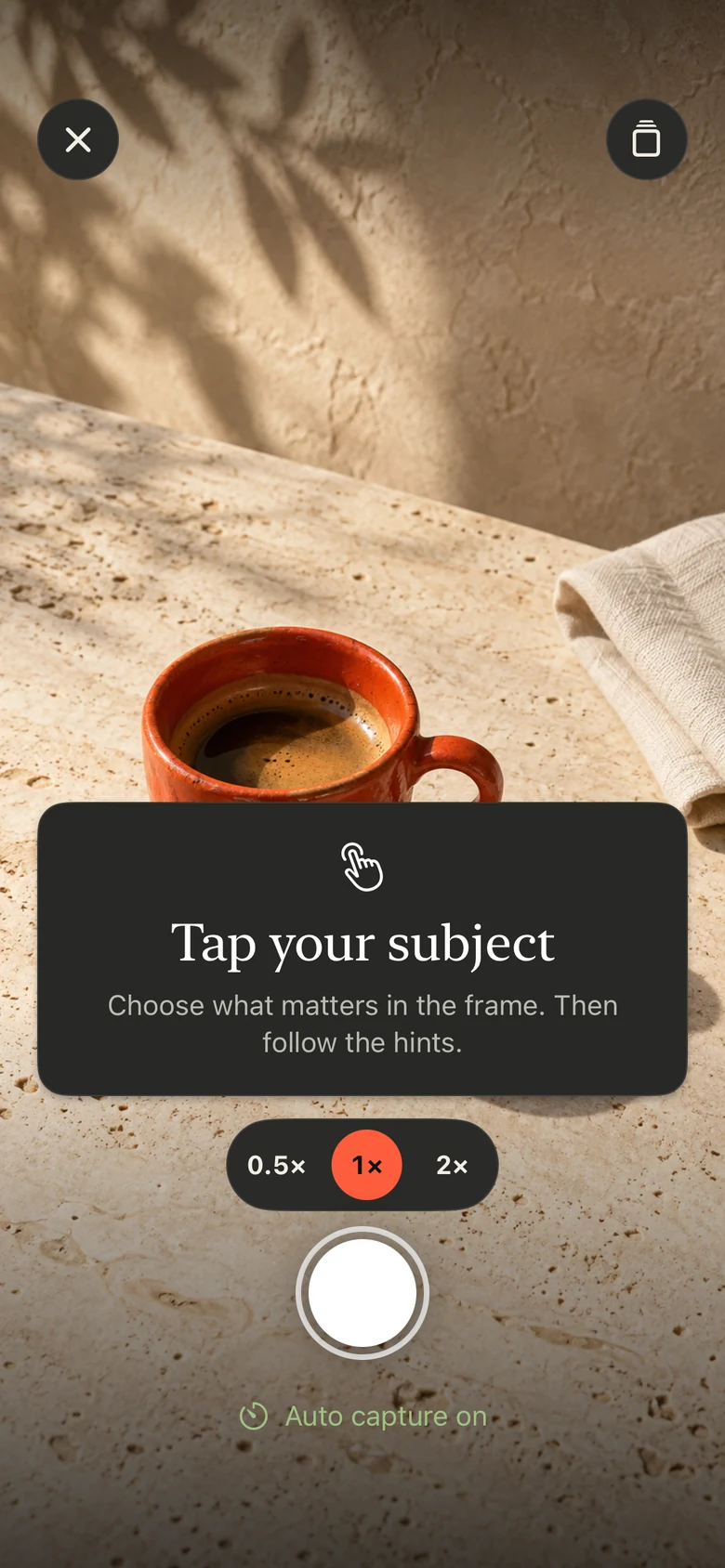
Before starting a portrait in Take PRO, notice where the person is looking and decide how that direction fits in your frame. Take PRO offers framing guidance for iPhone photography. The app interface is in English; the App Store page provides the current product description and subscription availability. This exercise is an editorial practice, not a test of the app’s effectiveness.