A NEW PERSPECTIVE / SAME MOMENT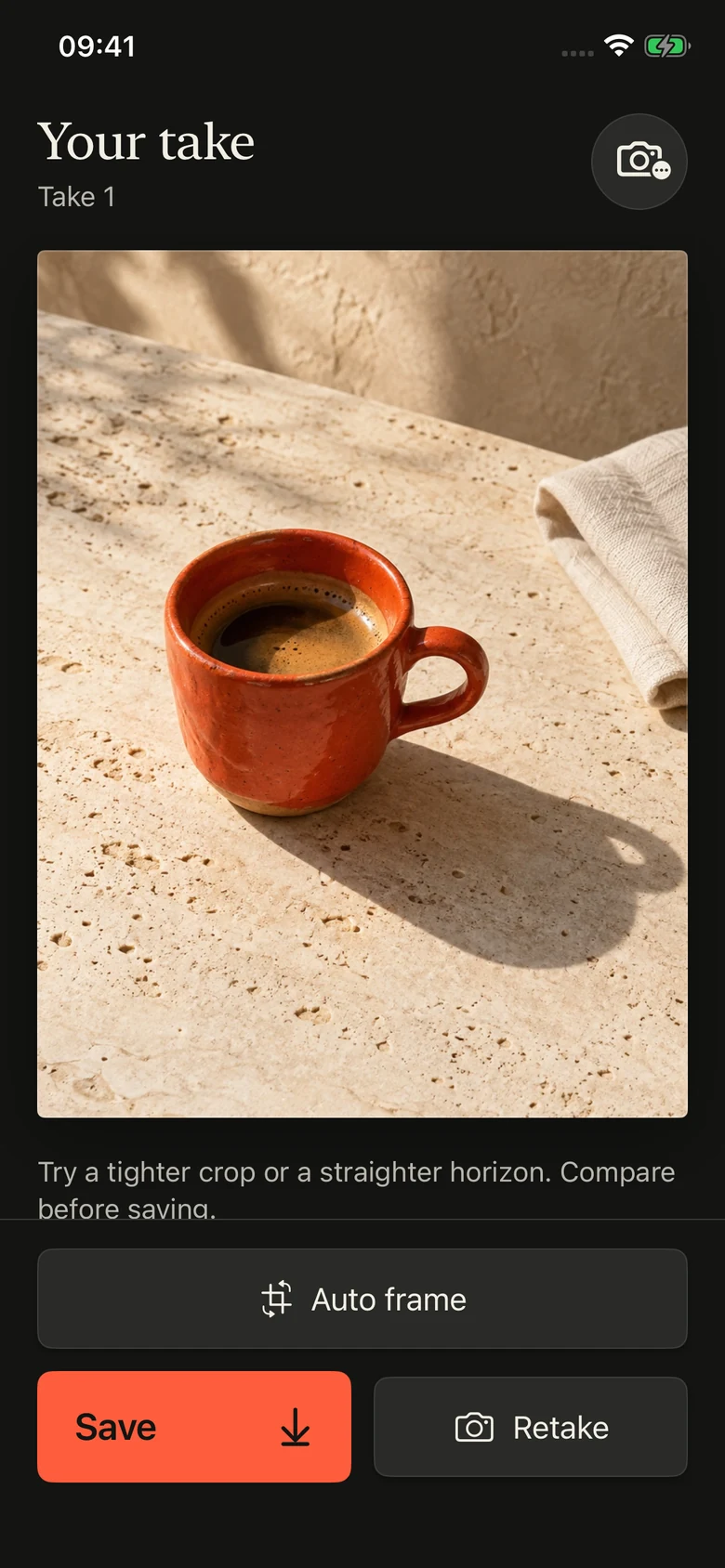
01 / AUTO FRAME
A little crop. A fresh look.
Try a tighter crop or a straighter horizon. Compare with your original before you save.

A camera companion. For iPhone.
You see something worth a photo. Take PRO helps you find the frame — one small move at a time.
5 free sessions every month.No account. Just your camera.
The thought behind Take
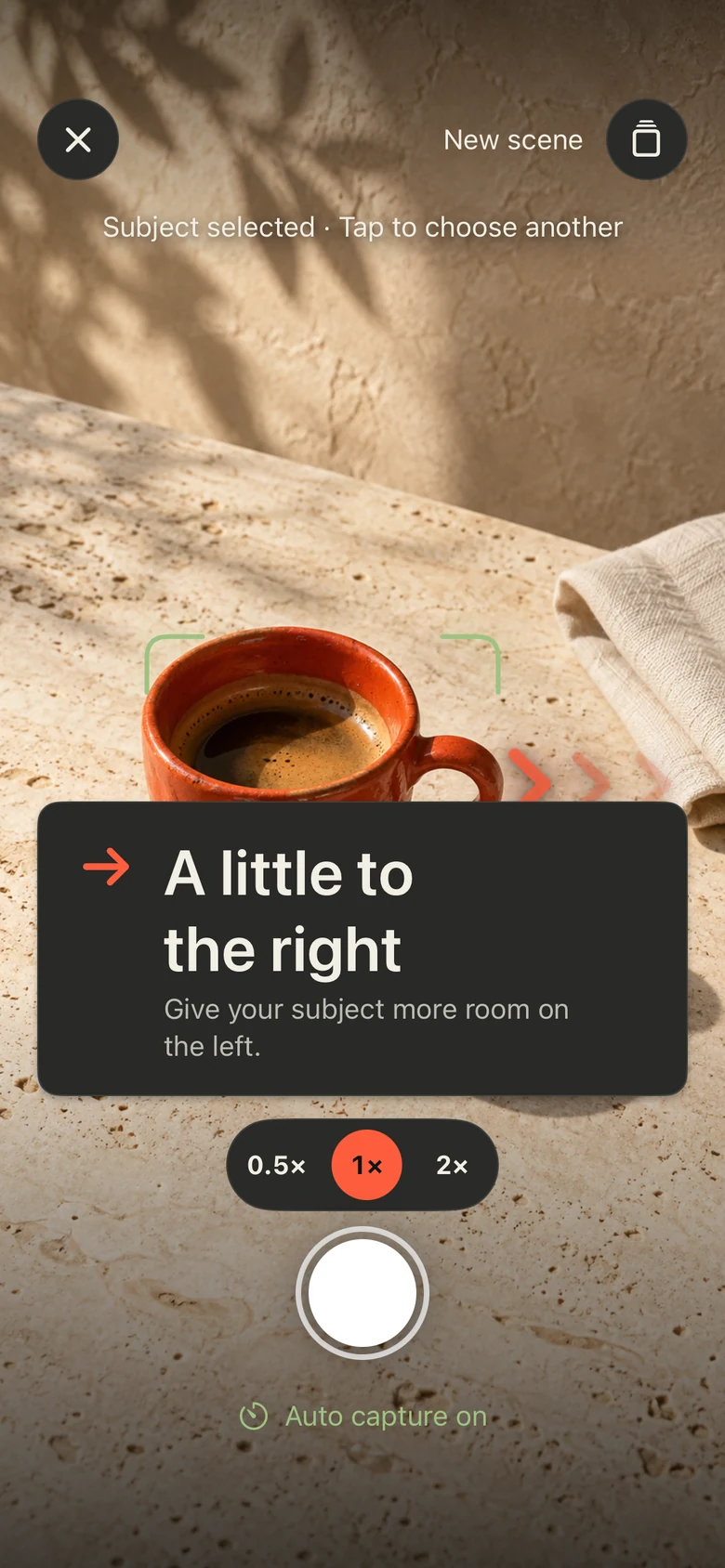
A little more space. A step to the right. A steadier hand. Take PRO helps with the small decisions, so you can stay with the moment.
LESS GUESSING.01 — A little guidance
You choose the subject. Take helps with what comes next.
TAP A STEP TO EXPLORE THE APP ↑
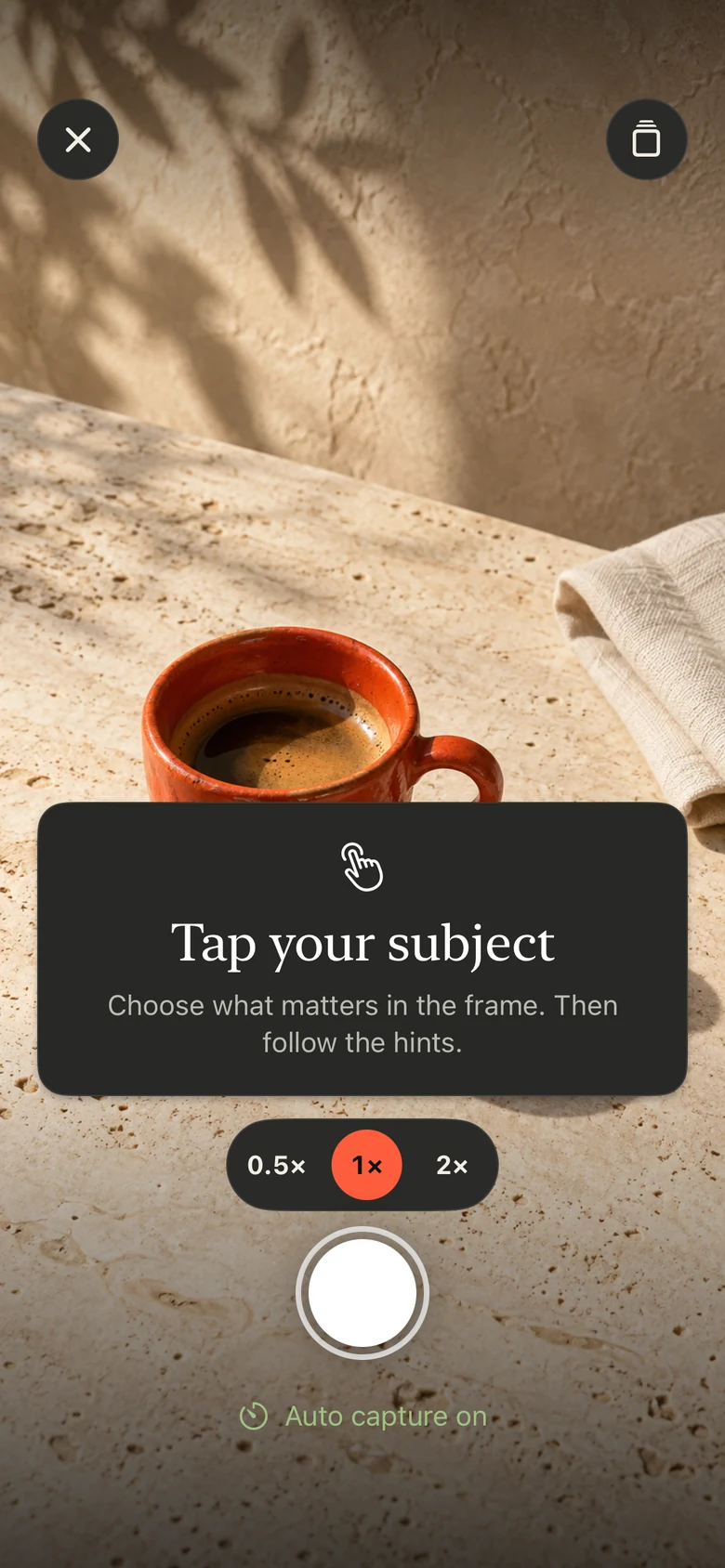
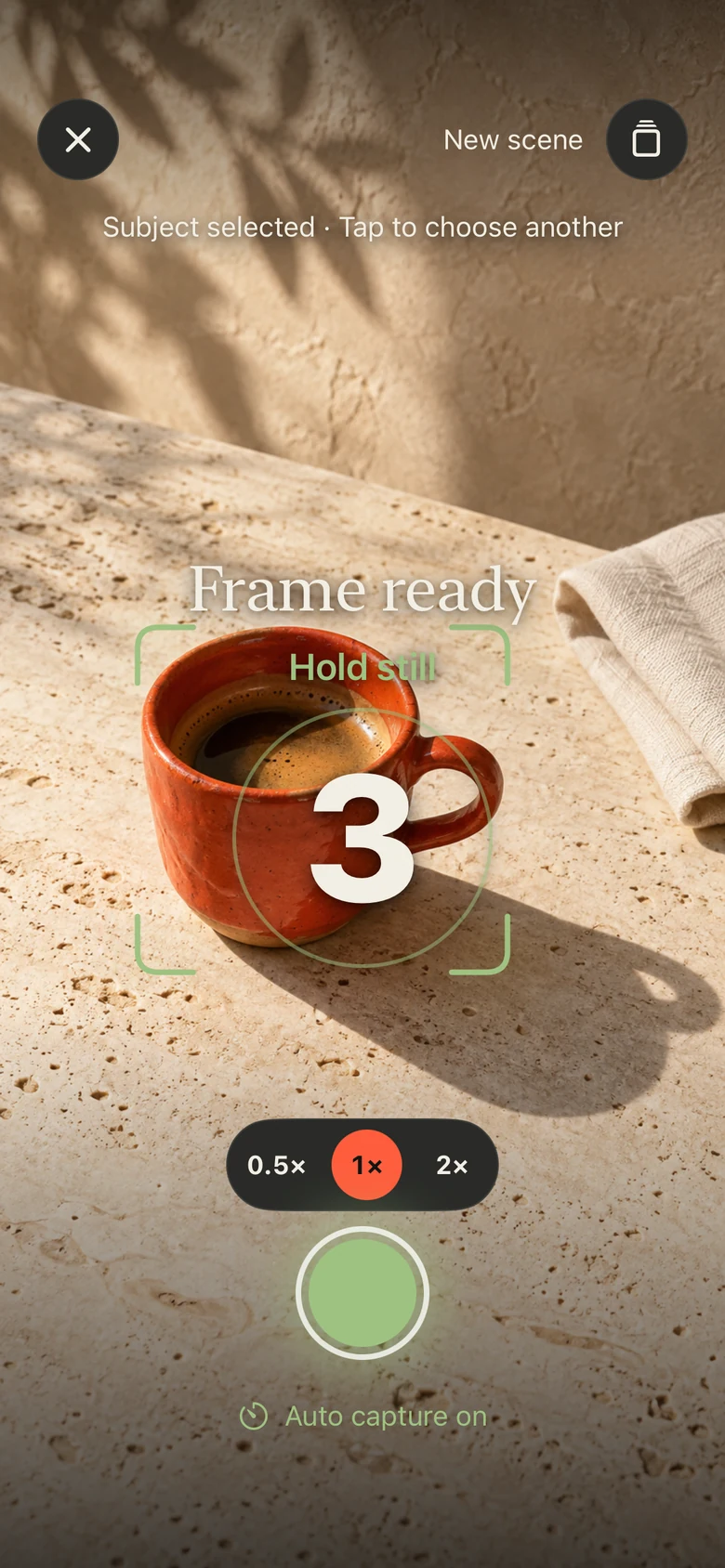
REAL APP SCREENS. ONE SIMPLE FLOW.
02 — Make the final call
A fresh crop. Another take. Keep the version that feels right to you.
Try a tighter crop or a straighter horizon. Compare with your original before you save.
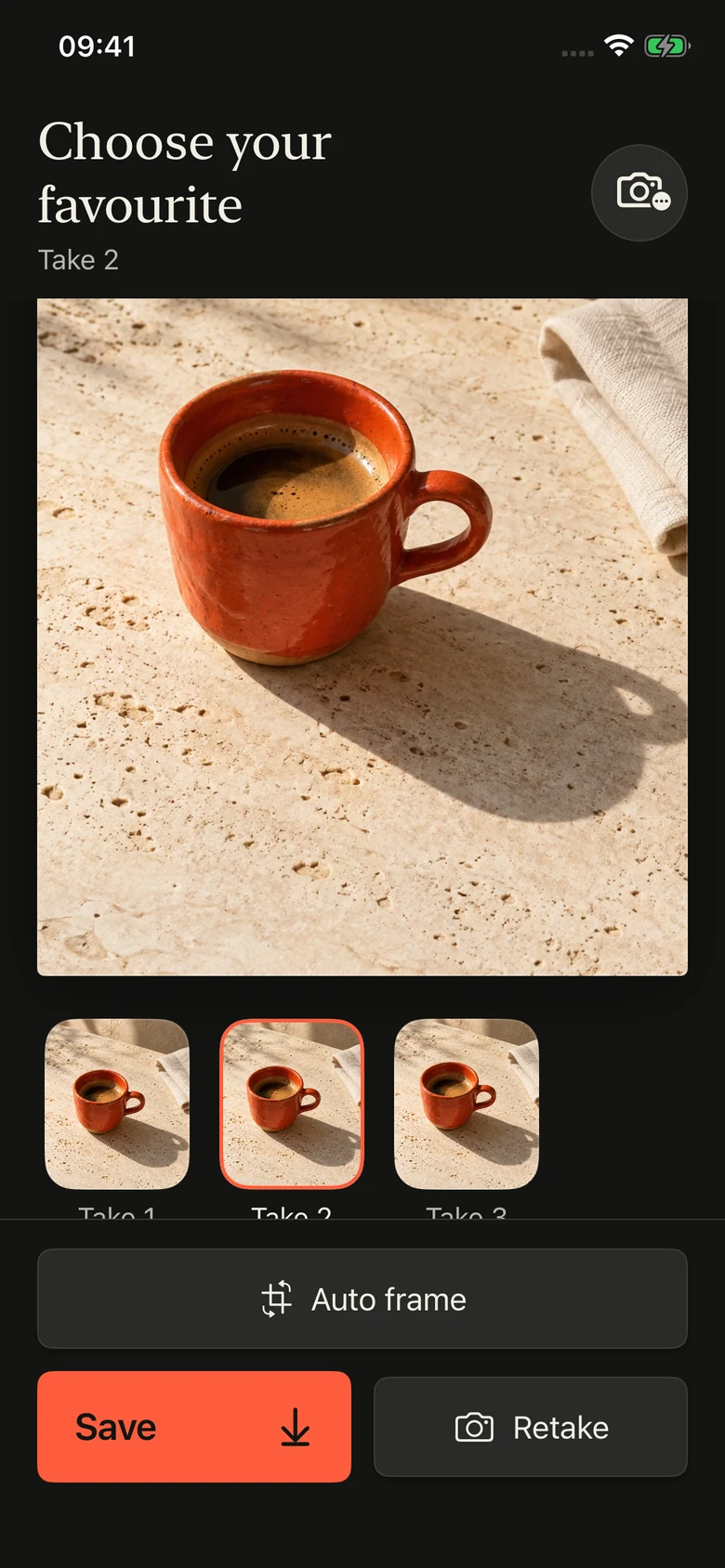
Look through your attempts. Choose the expression, the light, the little detail you love. Save your favourite to Photos.
03 — Room to find your eye
Five sessions to explore every month. A subscription when you want to shoot a little more.
A little space to try it. And try again.
Just $2.50 a month, billed yearly.
Prices shown in USD. Local pricing and any trial eligibility are shown in the App Store. Subscriptions renew automatically until cancelled. The yearly saving is compared with 12 monthly payments.
A session counts when Take PRO delivers a photograph. Opening the camera or walking away doesn’t use one. Retaking the same shot within that session doesn’t use another. Your five free sessions reset at the start of each calendar month.
Auto capture is on by default. When your frame is ready and steady, a countdown starts. You can also turn auto capture off and use the shutter yourself.
Auto frame is optional. It can try a small crop or straighten the photo, and keeps the original if it doesn’t find a useful adjustment. Compare versions before saving and keep the one you prefer.
There’s no account to create. Coaching and photo processing run on your iPhone by default. Tap Save to add a photo to your library. Read the privacy policy for the full details.
Take PRO is available for iPhone. Use any download button to open its App Store page.
Your next photo is out there.

Available on the App Store.
Get Take PRO and find your frame. Five free sessions are waiting every month.
Download Take PRO