YOUR PHOTOGRAPH / YOUR CHOICE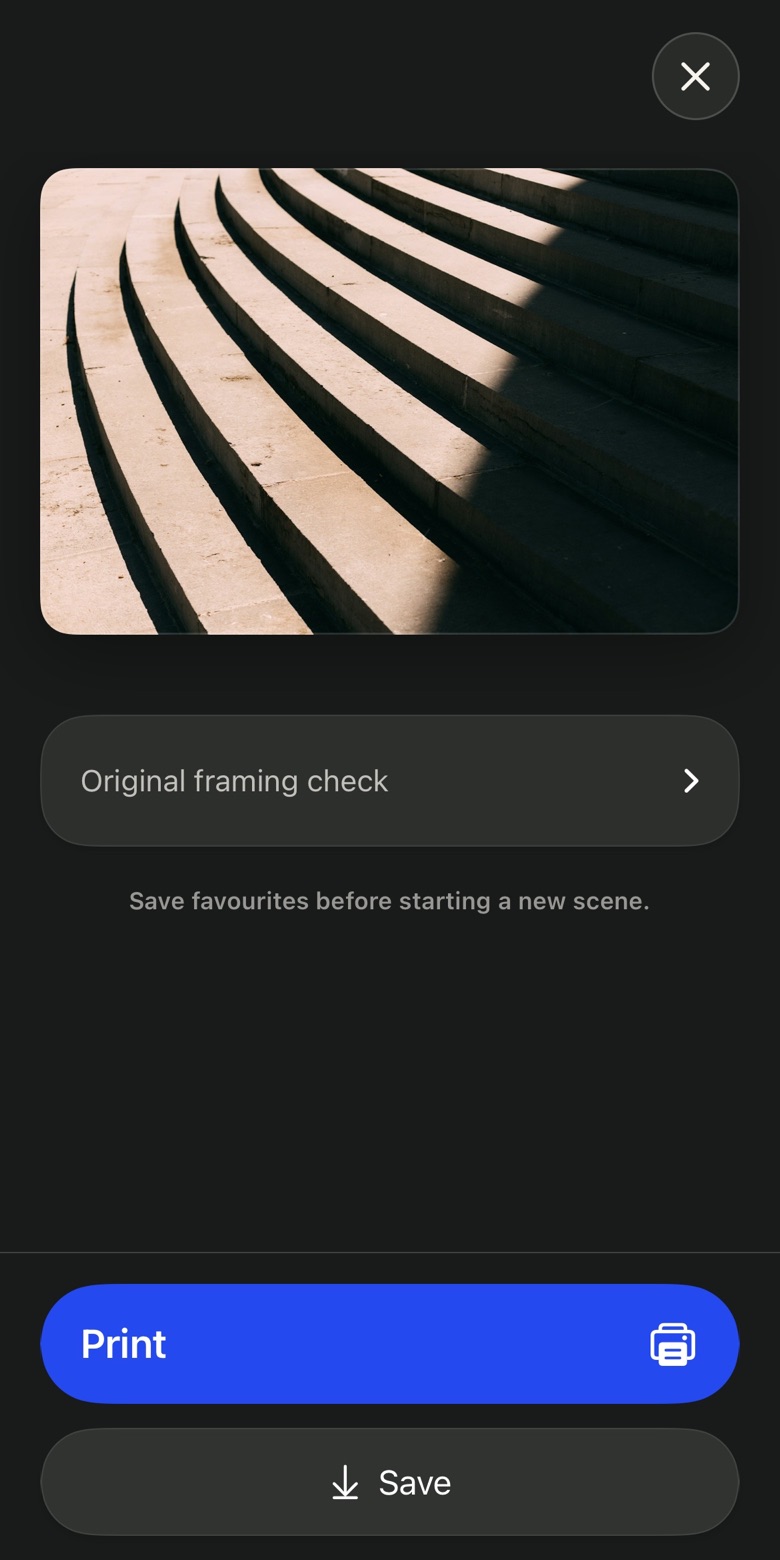
01 / YOUR PHOTOGRAPH
Give your photo a second look.
Take a moment with your photograph. Keep the version you want to save.
A good moment for a photo.
You see something worth a photo. Take PRO helps you find the frame — one small move at a time.
Free app. No subscription.No account. Just your camera.
WITH A LITTLE HELP FROM TAKE

Take your next photo with a little guidance.
Keep your favourites.
From your frame to paper.
The thought behind Take
A little more space. A step to the right. A steadier hand. Take PRO helps with the small decisions, so you can stay with the moment.
LESS GUESSING. MORE SEEING.01 — A little guidance
You choose the subject. Take helps with what comes next.
TAP A STEP TO EXPLORE THE APP ↑
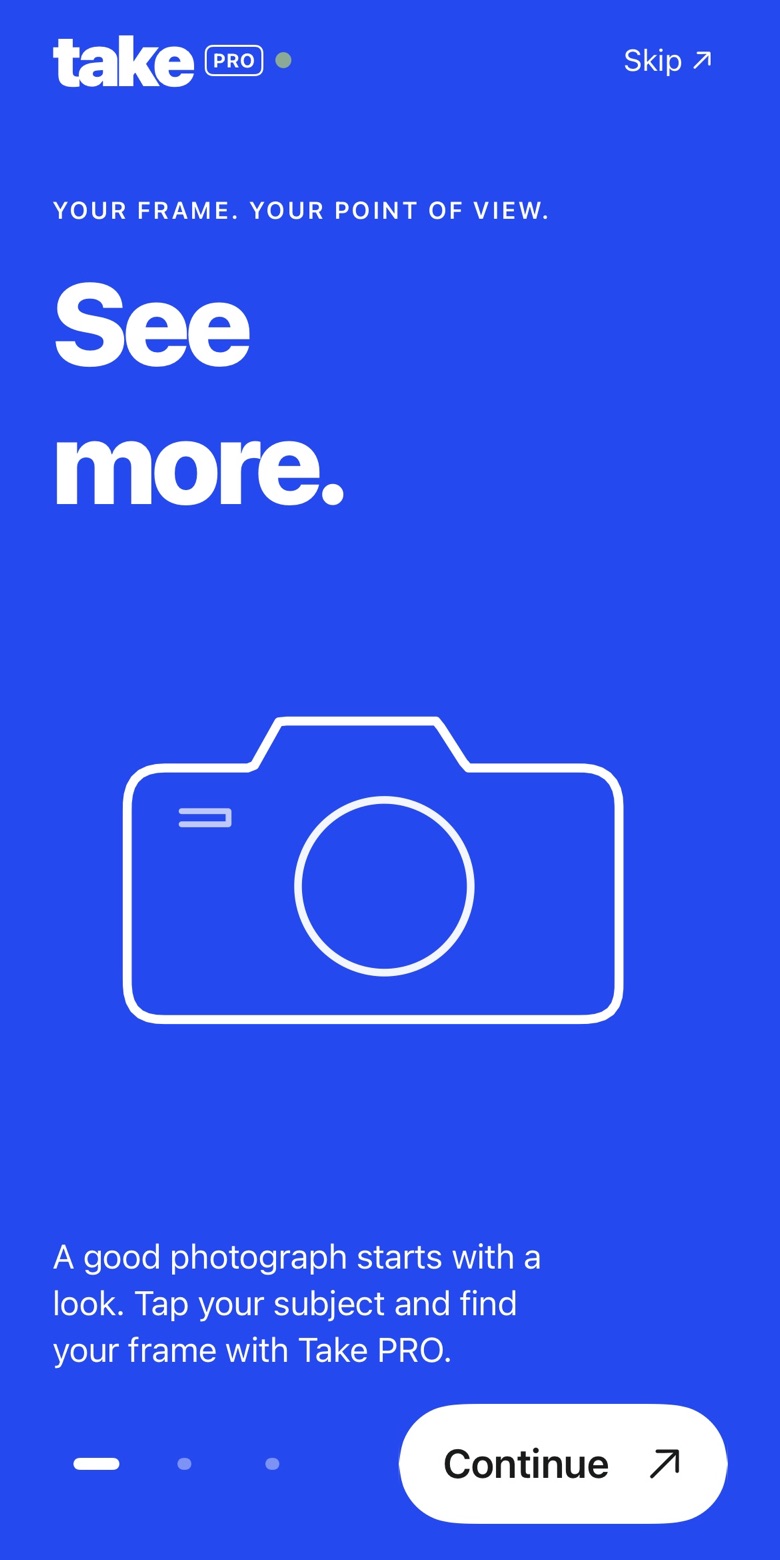
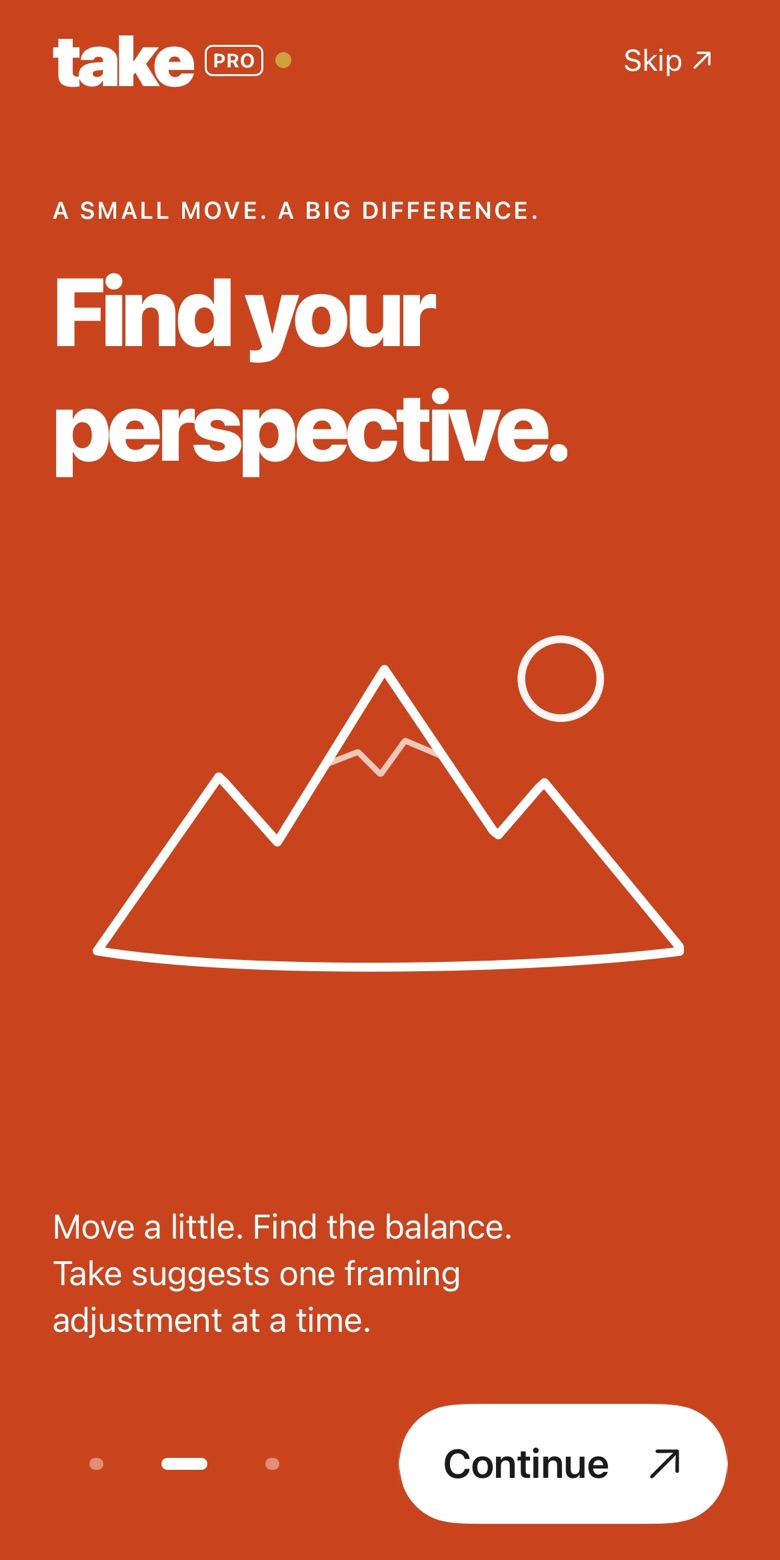
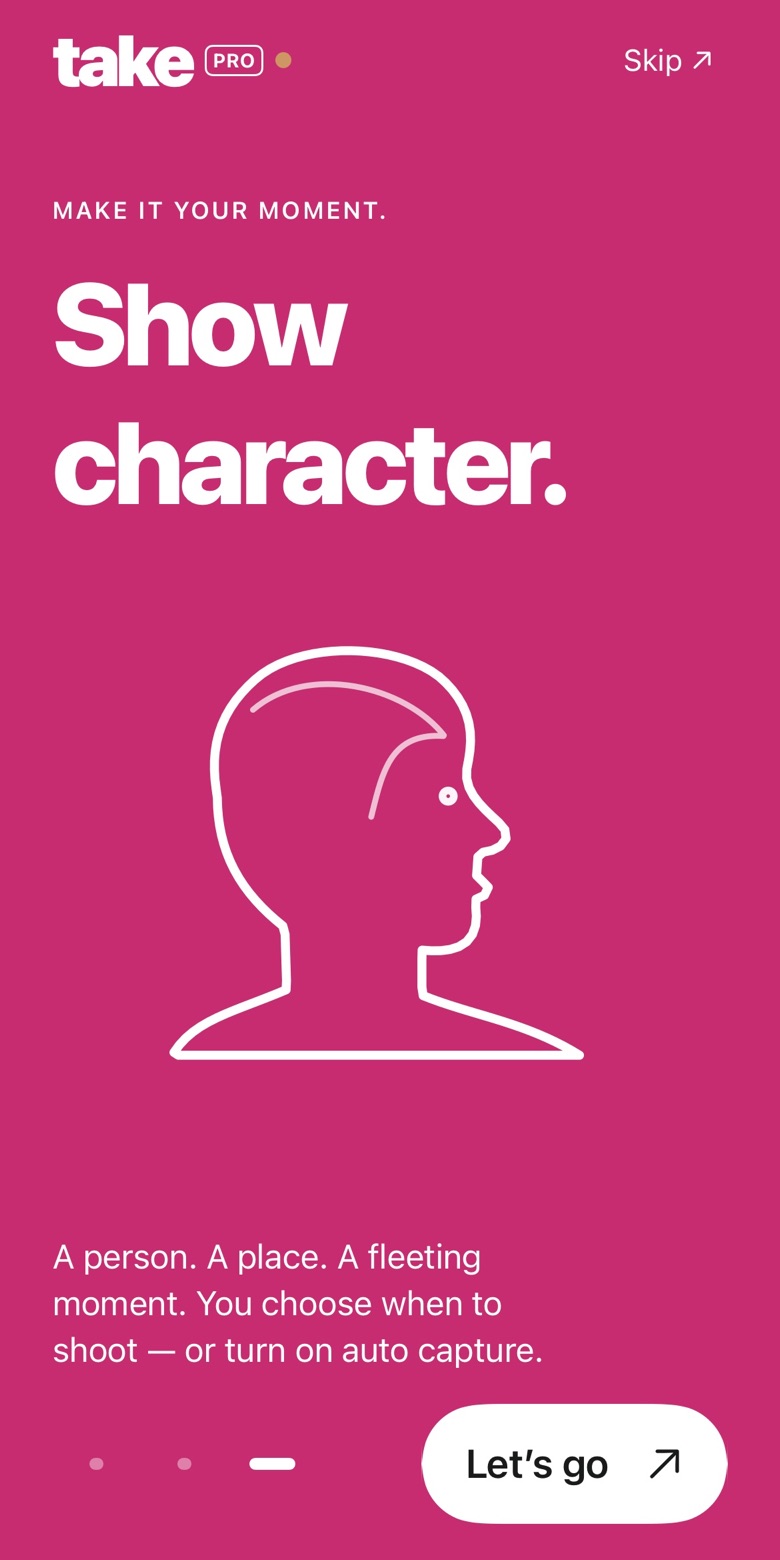
THE NEW TAKE PRO INTRODUCTION. NATIVE APP SCREENS.
02 — Make the final call
Take another look. Keep your favourites. Make a little collection of your moments.
Take a moment with your photograph. Keep the version you want to save.
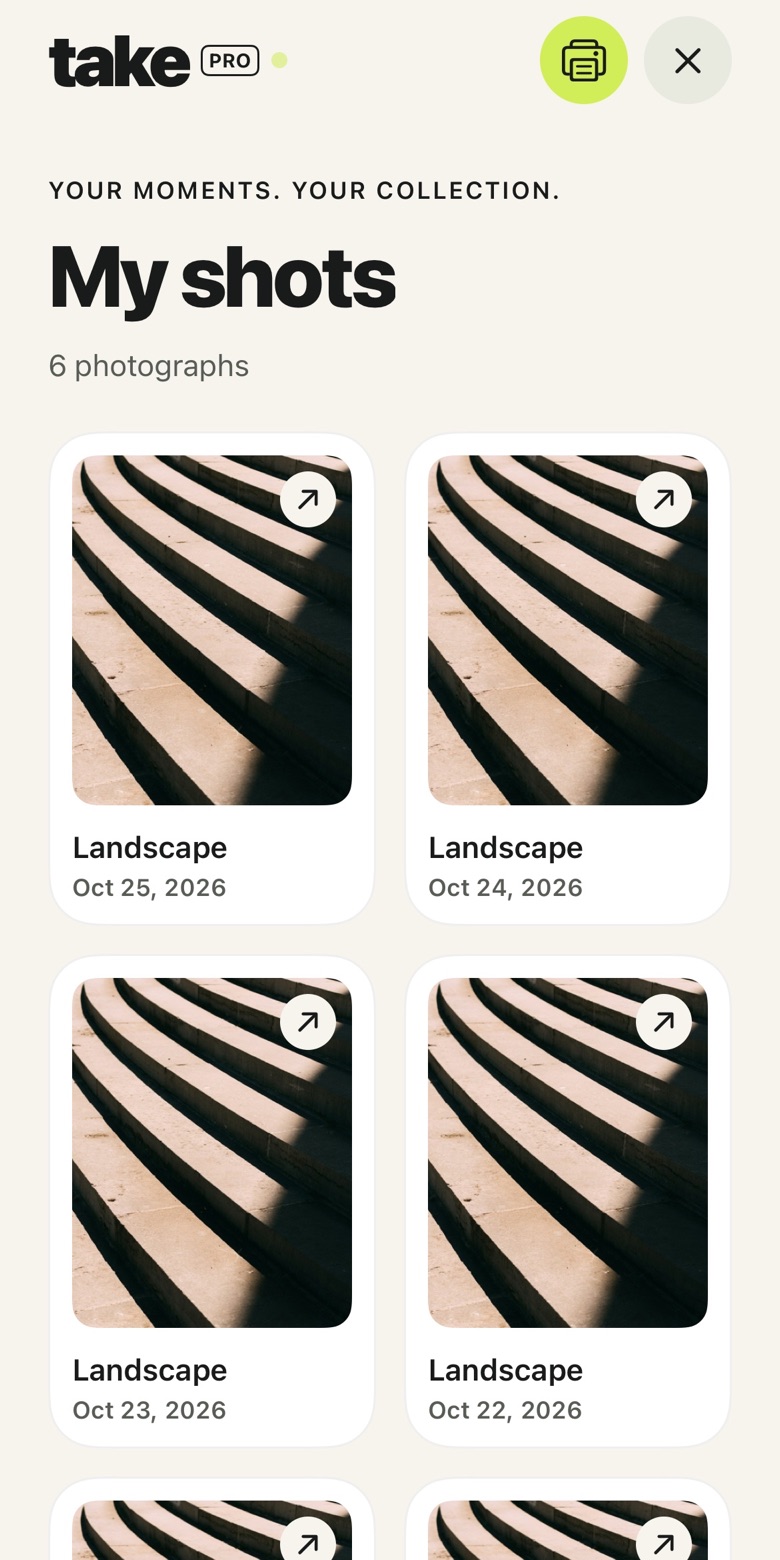
Your saved moments, together in My shots. Come back to the photographs you love.
03 — From frame to paper
Meet Take Lab, the place in Take PRO to prepare your favourite photographs for paper. Choose your photos, explore the finishes and preview your print.
01 / START WITH THE PHOTOGRAPH

Your frame. Carefully prepared.
We check resolution and suggest a smaller size when it helps. Your print file keeps the whole frame, a white border and your colours. No extra filter.
02 / SOFT, NATURAL MATTE

Hahnemühle Photo Rag · 308 g/m²
100% cotton, natural white and a delicate texture. A substantial paper with a soft matte finish and no sheen. For photographs you want to feel.
03 / A SUBTLE SATIN SHEEN

Lustre Photo Paper · 240 g/m²
A delicate, pearl-like texture with a satin finish. A subtle sheen brings out saturated colours, deep blacks and fine detail.
04 / GICLÉE PIGMENT PRINTING
Beautiful paper is only the beginning.
Giclée pigment printing brings fine detail and smooth tonal transitions to both papers. Paper reflects light; your screen emits it, so print colours can look different.
Print ordering is coming soon.
You can already choose photos and preview them in Take Lab. Physical prints are a separate service from the free camera app.
04 — More room for your photographs
Take PRO is free. Open the camera, find your frame and keep photographing — without a subscription or a monthly session limit.
Download on the App StoreYes. Take PRO is free to use, with no subscription and no monthly limit on photo sessions. Open the camera whenever you find something worth a photograph.
Auto capture is on by default. When your frame is ready and steady, a countdown starts. You can also turn auto capture off and use the shutter yourself.
Auto frame is optional. It can try a small crop or straighten the photo, and keeps the original if it doesn’t find a useful adjustment. Compare versions before saving and keep the one you prefer.
There’s no account to create. Coaching and photo processing run on your iPhone by default. Tap Save to add a photo to your library. Read the privacy policy for the full details.
Take Lab is the print space inside Take PRO. Choose photographs and preview them with a white border, explore matte and satin finishes, and check resolution. Print ordering is coming soon. Physical prints are separate from the free app.
Take PRO is available for iPhone. Use any download button to open its App Store page.
Your next photo is out there.

Available on the App Store.
Download Take PRO for free and find your next great frame.
Download Take PRO